
How to Search the Christian County Court Docket
Start with Missouri Case.net. The Christian County Circuit Clerk names it as the official route for current case status. It covers the Christian County 38th Judicial Circuit. Before searching a Christian County court docket, gather the exact party spelling. The case number works too. One typo can bury the right result. Where the site asks for a court or location, pick Christian County. You can also pick the 38th Circuit. The result list is not the official file itself. But it does surface the case header, the division, and the docket entries you need to identify a matter.
Have the citation, summons, notice, or an old case number at hand. Christian County filings land in circuit, associate, municipal, traffic, probate, family, or juvenile categories. Knowing the category keeps a docket search out of the wrong case stream. Sometimes a public entry has no viewable document image. That is normal. When it happens, the clerk counter and the courthouse terminal are the next Christian County access channels. The same route works for an older docket sheet or a quick hearing check.
- Open Case.net and choose litigant name, filing date, case number, or scheduled hearings and trials.
- Select Christian County or the 38th Circuit when the search form gives a court or location control.
- Enter the known party name or case number, then open the matching case-number link.
- Read the Case Header for the court, division, status, and case category before opening Docket Entries.
- Use the newest setting and any later reset entry as a lead, then confirm a required appearance with the assigned Christian County division.
Christian County Case.net Docket Search
Case.net is one statewide register, not a private Christian County database. It offers four public starting modes. These are Litigant Name Search, Filing Date Search, Case Number Search, and Scheduled Hearings & Trials Search. The Christian County court site does not host a second local docket form. It sends public users there instead. Once a result opens, the Case Header carries the core case information. Docket Entries lists the dated filings, notices, hearings, orders, and outcomes.
An entry in blue or hyperlinked text can open File Viewer. That works when the document is available at your security level. A plain entry still counts as a recorded event, image or no image. Missouri File Viewer help spells out how access depends on document category and security level. Track This Case can push email or text notices. None of those alerts is official notice from the Christian County court. Treat one as a prompt to check the live docket, never as a court order.
The Christian County court landing page also links back to Case.net. It warns that an online court page cannot accept a motion, a continuance request, or case-specific relief.
The official court page makes one thing clear. A Christian County docket search usually pairs the public record with a division calendar or a phone call to confirm what the docket alone leaves open.
What a Court Docket Shows
A Christian County docket sheet is a chronological register of court action. Missouri puts a case header in front of the event list. That header typically shows the number, filing date, court location, division, judge, caption, category, and status before any dated entries. The entries themselves can record a filing, a notice, a setting, a continuance, an order, a judgment, or a disposition. That makes the docket a good way to follow a Christian County procedural history. Just remember the full official court record holds more. It also includes the filed documents and the clerk-maintained docket sheet.
| Case number | The file identifier, often including a category such as CR, CV, TR, or MU. |
|---|---|
| Case header | Public case style, filing date, Christian County division, judge, status, and electronic-file marker when shown. |
| Docket entries | Dated filings, notices, settings, motions, orders, and other recorded actions in the register. |
| Hearing setting | The event type, date, time, courtroom or location, and assigned court when public. |
| Disposition | The recorded outcome, such as a judgment, dismissal, plea result, or other final action. |
| Document link | A link may open a public image, while an unlinked entry may have no image or limited remote access. |
Note: Always read the event date and event text together, since a later Christian County continuance or notice can replace an earlier setting.
Christian County Case Number Codes
Christian County follows Missouri's uniform record model. A case number often reveals the case type before the docket opens. The automated format is YY-location-CC-#####-SS: two-digit year, location code, category code, five-digit sequence, subcase code. Legacy numbers may not match that pattern. A less-serious traffic or infraction matter can instead carry a nine-digit Missouri State Highway Patrol uniform citation number. When a legacy or citation number looks uncertain, ask the Christian County court to confirm it.
- CR
- Criminal case category.
- CV
- Civil case category.
- TR and IN
- Traffic and infraction categories.
- MU
- Municipal ordinance category, often relevant to city cases within Christian County.
- FC and PR
- Family court and probate categories, each with its own access limits where applicable.
A name search does not reach every Christian County record. A protected child, witness, victim, or other non-litigant may never be indexed. Public name search simply skips them. An exact case number solves that. It gives the clerk and Case.net a precise starting point. It also lets the Christian County office find the right division without guessing among people who share a common name.
Which Courts Keep Dockets
Christian County sits in the 38th Judicial Circuit. The Christian County Circuit Clerk keeps the filings and records for the local divisions. That holds even when an associate judge presides over the case. Assignment matters here, because the public docket follows whichever division currently holds the matter. Christian County felonies after information go to Divisions I or II. Civil cases over $25,000 go there too. Division III takes many family, small-claims, eviction, and lower-value civil cases. Division IV covers traffic, misdemeanors, infractions, probate, and many municipal matters.
| Court or division | Docket covers | Where to search or confirm |
|---|---|---|
| Divisions I and II | Felonies after information and civil cases over $25,000 | Case.net, Circuit Clerk, and the Walnut Street division offices |
| Associate Division III | Family, small claims, civil under $25,000, unlawful detainer, and rent-and-possession | Case.net, Circuit Clerk, and Division III at the Justice Center |
| Associate Division IV | Traffic, infractions, misdemeanors, pre-information felony work, probate, and municipal cases | Case.net, Circuit Clerk, and Division IV at the Justice Center |
| Municipal divisions | City ordinance cases under local arrangements | Case.net and the Christian County circuit record when the city has transferred its court |
Christian County Court Docket Divisions
A plain courthouse list will not explain the split clerk routes and courtrooms in two Christian County cases. The division map does. Division I and Division II sit in the Circuit Court Building at 102 W. Walnut Street. Division III and Division IV work from the Justice Center at 110 W. Elm Street. That same building houses the Circuit Clerk. A transfer or reassignment changes the current court. It does not erase the earlier Christian County docket history.
The money line matters most. Cases above $25,000 flow through the circuit civil stream in Divisions I and II. A small claim or eviction belongs in Division III. Municipal docket entries can also land in the Christian County system. That happens once a city opts into the associate-judge arrangement. Christian County's official divisions page lays out these assignments and confirms that filings go through the Circuit Clerk.
The official division map from the county courts shows every Christian County case assignment at a glance.
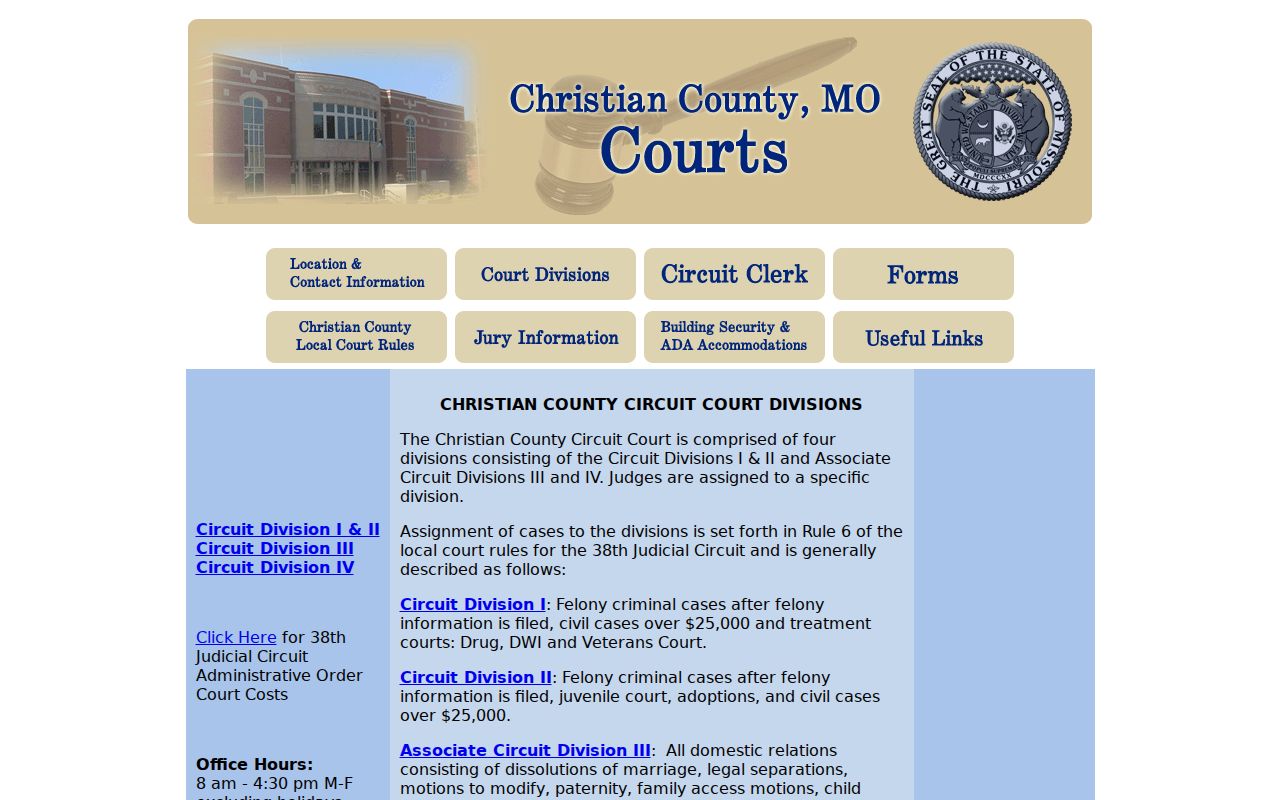
That division structure is what makes docket channel selection easier. Knowing the right Christian County division saves a call to the wrong courtroom or clerk line every time.
Finding Court Dates and Settings
Where do Christian County hearing dates live? Three places. The individual docket, Case.net's Scheduled Hearings & Trials Search, and a local division schedule. The Docket Entries tab on a Christian County case tells the story of one case. The scheduled-hearings search covers many cases at once by court, date, or case number. Division III posts a weekly docket schedule. Division IV links a Division 3 & 4 calendar. Treat those local schedules as aids. The assigned division confirms any required appearance.
For field meanings and a full confirmation sequence, turn to the Christian County court calendar. Dates move after a notice of setting, continuance, reset, pass, or new notice. The newest valid event in the register is the best public clue. When a date is disputed, one chain is authoritative. It runs from a Christian County court notice or order to confirmation from the division.
Christian County Docket Date Checks
Check a Christian County court date through three channels whenever the appearance matters. Use the citation or notice first. Then try the Christian County Case.net docket. Finish with the correct clerk or division line. A calendar can list a hearing date, time, judge, location, case number, and style. It grants nothing more. Christian County posts no standing Zoom link. Ask the assigned division directly if a remote appearance has been authorized.
Read the Christian County docket in date order before trusting an older entry. A dismissal docket is only a calendar of inactive cases under review. It is not proof of dismissal. The same caution applies to a notice of setting. A later reset or continuance overrides it. The court website cannot receive or grant a request to change a date. That request takes a proper filing, notice, or order through the Christian County court process.
Note: Weather and holiday changes require confirmation from the court office or an official notice. Even an older Christian County calendar can stay online.
Public Access to Dockets
Christian County judicial records are open to the public during regular business hours unless a statute, court rule, or order closes a portion. Case.net adds a public online layer on top. When a public image is not available remotely, the Christian County courthouse terminal and the Circuit Clerk counter fill the gap. One caution applies. A docket printout is not a certified record, so for a certified docket sheet, judgment, order, or filed document, gather the Christian County case number and entry date first, then ask the Circuit Clerk about availability and the current fee.
Key Missouri access rules:
Court Operating Rule 2 states the general presumption of open judicial records, subject to confidential records and applicable orders.
Court Operating Rule 4 governs the uniform docket, index, calendar, official record, confidential records, and public-access equipment.
RSMo §610.023 requires a public-record response by the end of the third business day or an explanation of delay or denial.
RSMo §509.520 protects specified personal identifiers in court filings.
Christian County Terminal Docket Access
Just because a document has no remote image does not mean the Christian County case has no file. Case.net may flag a case as ECASE. That means the file is electronic, yet public remote access still turns on the document's date and security level. Missouri rules require public-access equipment at the Christian County courthouse. At the Justice Center, ask security or the Circuit Clerk for the terminal. Bring the case number, division, and docket-entry date. The terminal earns its keep on older documents and electronic material not exposed for remote viewing.
Know which building holds what. The Christian County court offices list the Justice Center at 110 W. Elm Street as the clerk-facing location. The Circuit Court Building at 102 W. Walnut Street hosts Division I and II hearings. The Historic Courthouse at 100 W. Church Street handles county administration. It is not the docket counter. The official Christian County location directory gives clerk, courtroom, and division contacts for each building.
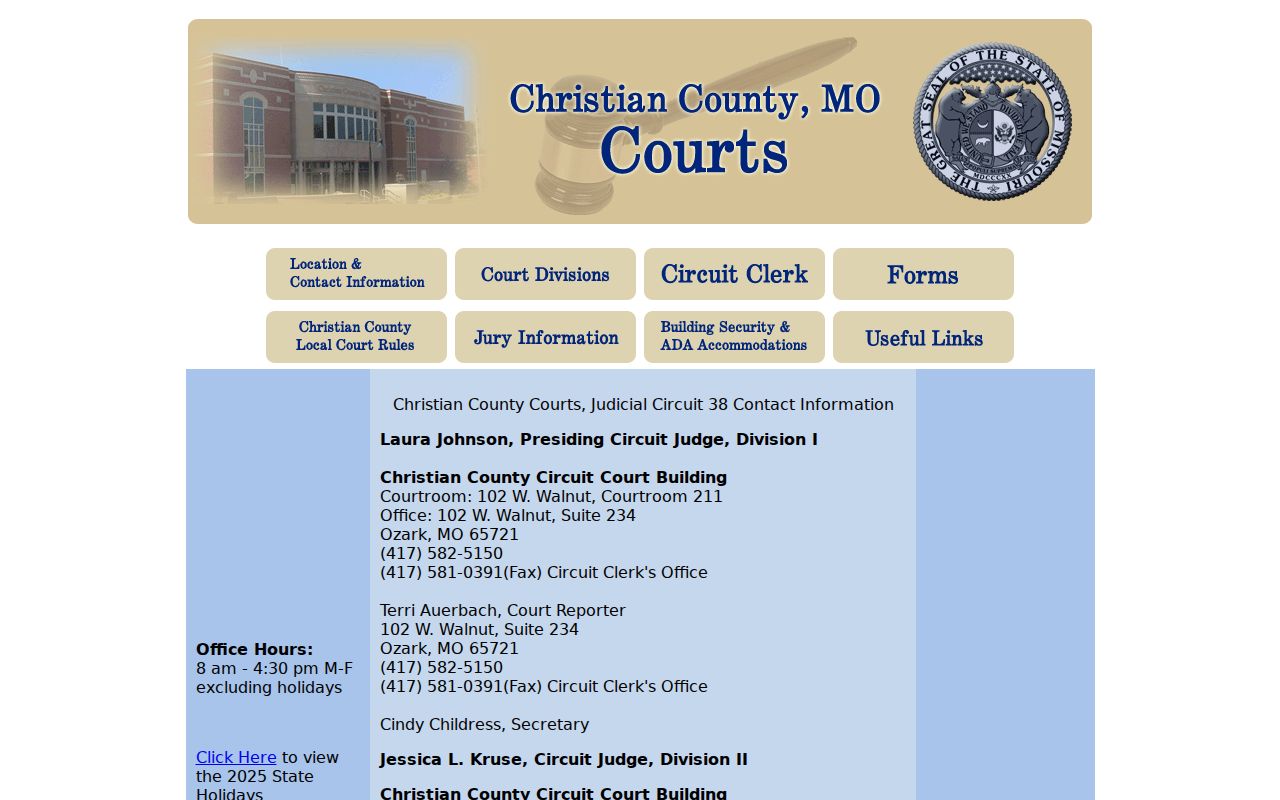
The Christian County contact directory sorts records questions from courtroom questions. Before calling about a setting or hearing, the directory points a reader to the right office for a docket inquiry.
The Clerk and Docket Records
One office holds the keys to almost everything. The Christian County Circuit Clerk, led by Clerk Barb Stillings, receives filings and keeps the official docket sheet. The office also maintains the case file across circuit, associate, domestic, juvenile, probate, traffic, criminal, and municipal matters. For a Christian County court docket search online, Case.net is the public route. Some records still demand a trip to the counter or the public terminal. Others may need a precise county Sunshine request. The office publishes no separate Christian County certified-copy fee. Ask the amount before you pay.
Christian County Circuit Clerk
Justice Center, Room 202
110 W. Elm Street, Ozark, MO 65721
417-582-5120
Phone routing depends on the case type. Christian County civil and family questions go to 417-582-5120, press 2. Probate, guardianship, and child-support routing uses 417-582-5140, press 3. Criminal, traffic, and municipal matters use 417-582-5160, press 1. The office keeps weekday hours of 8:00 a.m. to 4:30 p.m., excluding holidays.
Christian County Docket Technology
Christian County runs its public docket path on Missouri's statewide automation system. Case.net got its public upgrade in 2004. Attorneys in Christian County have had to use Missouri eFiling for all cases. The mandate came in an April 14, 2014 notice. Civil, criminal, juvenile, probate, mental-health, family, traffic, and municipal cases all live in the statewide record. That gives the public one search path, while the Christian County Circuit Clerk keeps the official file.
A 2023 remote-access rollout opened eligible public documents filed on or after July 1, 2023. The 38th Circuit joined no later than November 1, 2023. That timing explains a common quirk. One Christian County docket entry appears online while an older filing stays terminal-only. The clerk's 2022 report described scanning permanent records to cut digitization and microfilm costs. That is not a promise that every historic file is online.
Before a terminal visit, check the official Christian County security page. It sets out what the courthouse expects from visitors.
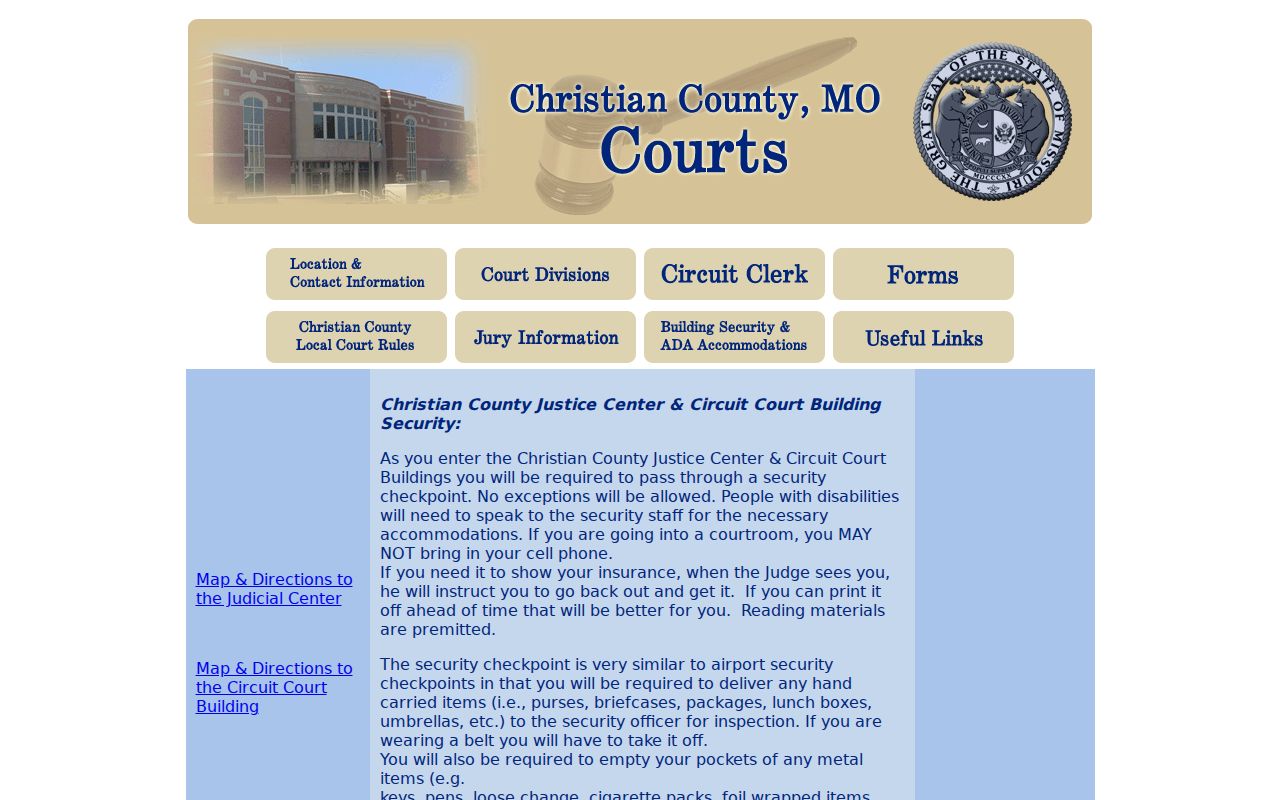
Plan ahead for that records trip. Christian County warns that carried items may be inspected, and cell phones may not be taken into a courtroom.
Court Dockets by City in Christian County
City dockets in Christian County do not share one administrative route. The five largest incorporated places in the official 2020 ranking are Nixa, Ozark, Clever, Sparta, and Highlandville. A city citation can start with a municipal clerk or prosecutor. It can still land in the Christian County circuit record. That happens especially where a city relies on the associate-judge arrangement. Nixa moved its ordinance violations to the Christian County associate division effective January 1, 2022. Ozark holds its municipal court in Division IV.
Start on the city path. Then follow the local arrangement into the Christian County division. It points to the Case.net record. After any city transfer, the Christian County Circuit Clerk stays the record custodian.
Nixa Court Docket
23,257 residents in the 2020 Census; municipal matters route through the Christian County associate division.
Ozark Court Docket
21,284 residents in the 2020 Census; the city municipal court is held in Division IV.
Clever Court Docket
2,918 residents in the 2020 Census; Case.net and clerk confirmation are the public search route.
Sparta Court Docket
1,876 residents in the 2020 Census; older records may require a city and Christian County follow-up.
Highlandville Court Docket
963 residents in the 2020 Census; public search starts with Case.net and the county fallback.
Christian County Treatment Court Dockets
Christian County runs Drug Court, DWI Court, and Veterans Court. It publishes no separate treatment-court docket database. The underlying Christian County case number stays your search anchor. Local rules route treatment-court cases into Division I. The public docket may show settings or dispositions, while treatment participation, clinical reports, and confidential material stay restricted. Treatment information is not its own public case category for a broad Christian County case lookup.
The county directory dates Drug Court to February 1998, DWI Court to January 2017, and Veterans Court to January 2019. Each program holds Friday staffing, with Christian County court times listed by the court. That schedule is not a case setting. Search the underlying Christian County CR case on Case.net first. Then confirm any appearance through the division or treatment-court routing.
The Census Bureau's Christian County population visual offers useful context. This court system serves a growing southwest Missouri county rather than a single city court.
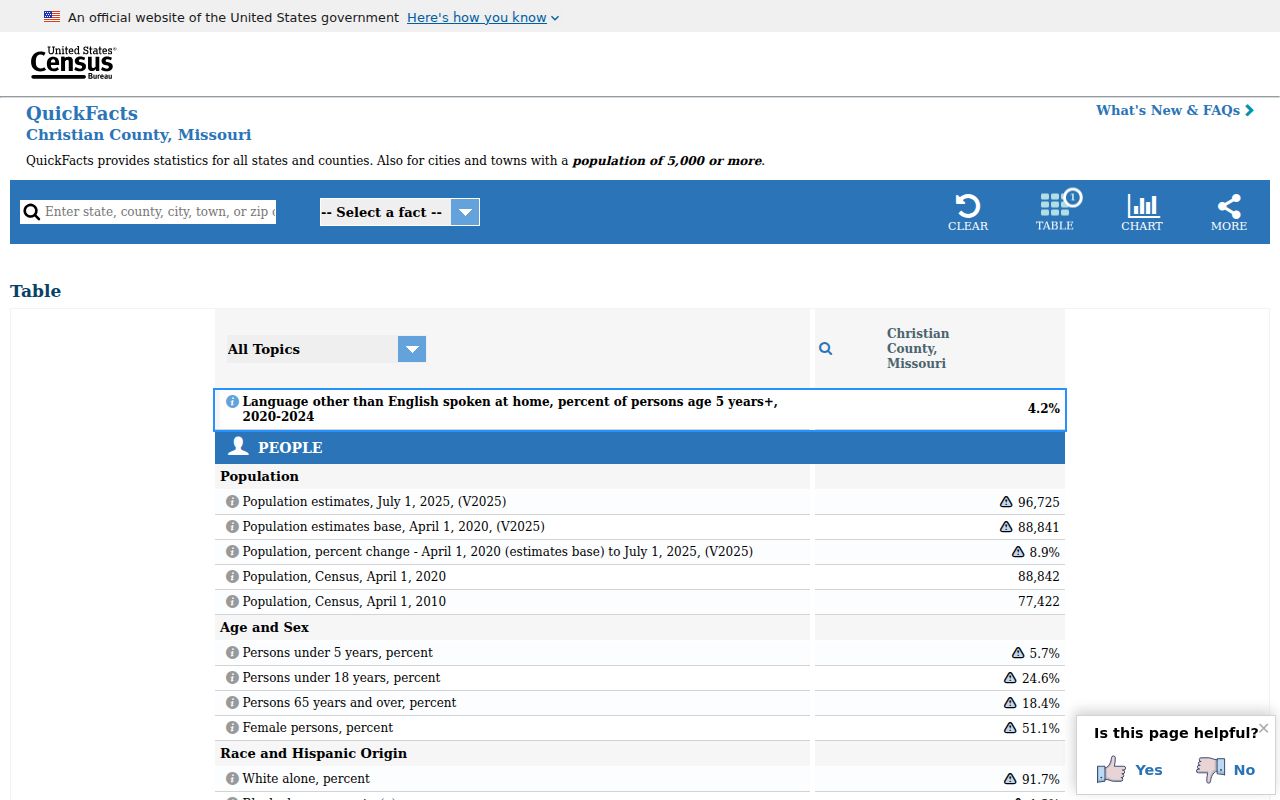
The 2020 Census counted 88,842 Christian County residents. The Census Bureau's 2025 estimate reached 96,725, growth context that says nothing about current case volume.
Map and Directions to the Christian County Justice Center
The Circuit Clerk's counter, Division III (family/small-claims/civil under $25,000), and Division IV (criminal, traffic, probate, municipal) are all inside the Justice Center at 110 W. Elm Street in Ozark. The Circuit Clerk sits in Room 202, Division III's office is Room 203 with Courtroom 201, and Division IV's office is Room 105 with Courtroom 107. Divisions I and II, which handle felony cases after an information is filed and civil cases over $25,000, sit a few blocks away at the Circuit Court Building, 102 W. Walnut Street.
Christian County Justice Center
110 W. Elm Street, Room 202
Ozark, MO 65721
417-582-5120
Monday through Friday, 8:00 a.m. to 4:30 p.m., excluding holidays.
Entry requires a security checkpoint, and carried items such as purses, briefcases, and bags may be inspected; a cell phone cannot be taken into a courtroom, and anyone leaving the secure area is screened again on return. Free parking is available in the lot around the courthouse and directly behind the Justice Center. Security staff should be asked about disability accommodations.