
How to Search Civil Dockets
The quickest route is Missouri Case.net. A Christian County civil docket search there runs on litigant name, filing date, case number, or hearing date, and you pick the Christian County or 38th Circuit location when it appears. Open a result by its case number. Then read the Case Header and Docket Entries. That statewide system is the county's online civil search route. Christian County offers no separate civil portal.
Match roles exactly when a name is common. Civil dockets usually carry the CV code, while family matters may show FC. The case number is your strongest key. Case.net can pull up an entry and any linked document where public access allows. But the Circuit Clerk keeps the official Christian County court record.
- Select a Case.net mode that matches the known name, number, date, or hearing.
- Set the court or location to Christian County when the form offers that limit.
- Open the correct case number and confirm the caption, filing date, and division.
- Read Docket Entries for service, motions, settings, orders, and judgment activity.
- Ask the Circuit Clerk for a document or certification that is not available to the public viewer.
- Christian County Case.net locates the Christian County civil case; Christian County Docket Entries show its public history.
- Christian County CV results identify civil matters; Christian County FC results identify family matters.
- Christian County party roles narrow name results; Christian County case numbers provide the clearest match.
- Christian County hearing search finds a setting; the Christian County docket records later resets or orders.
- Christian County File Viewer links depend on access; Christian County Circuit Clerk files remain the official records.
Christian County Civil Docket Divisions
The Christian County court map splits civil work at $25,000. Anything above that line lands in Circuit Divisions I and II. Associate Division III handles the rest. It takes civil actions under $25,000, plus domestic relations, small claims, unlawful detainer, and rent-and-possession cases. No matter the division, every civil filing goes through the Christian County Circuit Clerk. It does not go straight to the associate judge.
| Christian County civil case | Usual division | Docket clue |
|---|---|---|
| Civil action over $25,000 | Division I or II | Circuit division assignment |
| Civil action under $25,000 | Division III | Associate civil docket |
| Small claims or rent-and-possession | Division III | Associate civil docket |
| Domestic relations | Division III | Family category and assigned division |
For the associate civil side, the county posts a Division III civil and small-claims page spelling out what that court handles.
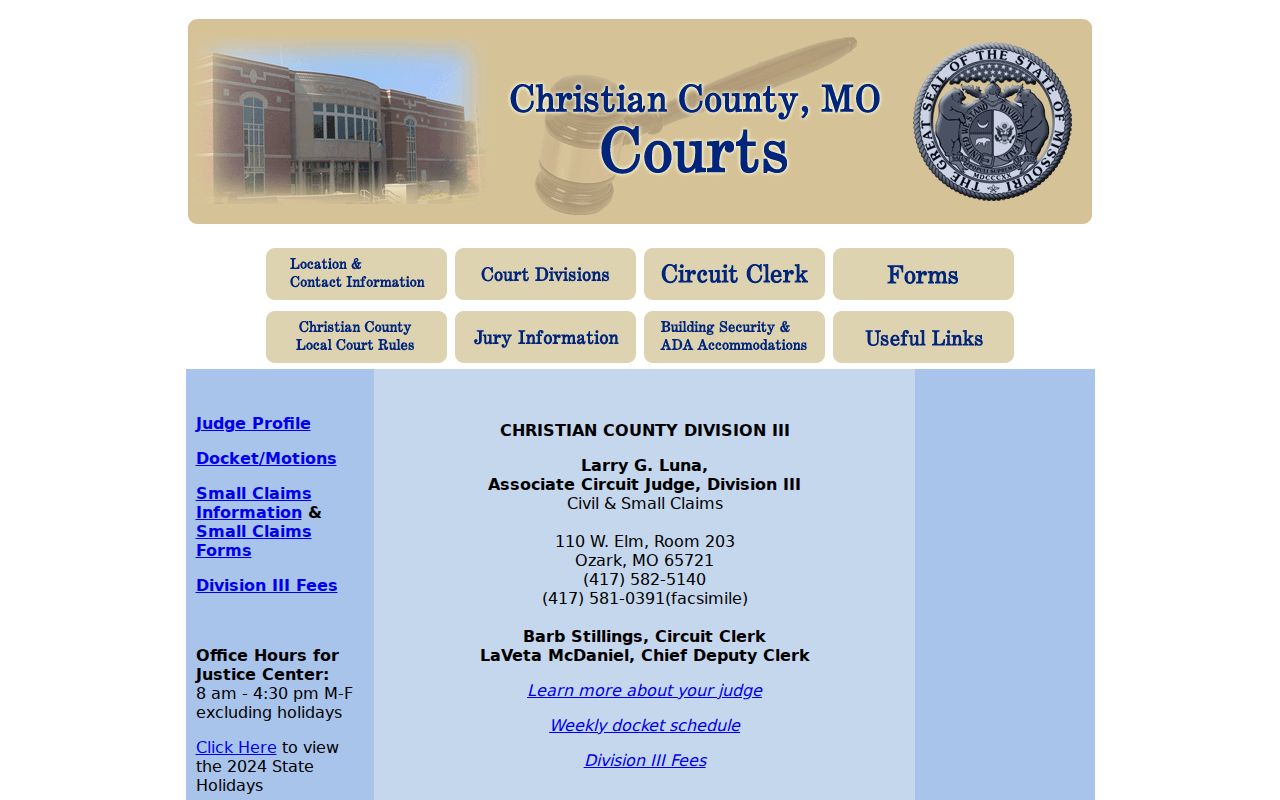
That Division III reference helps a Christian County searcher tell a local court assignment apart from a broad statewide result.
What a Civil Docket Shows
Two parts make up a Christian County civil docket. First comes the case header, which can list the case number, filing date, division, judge, caption, party roles, category, and public status. The rest is a dated register of actions. Typical entries cover the petition or complaint being filed, summons activity, responses, motion practice, hearing notices, signed orders, the judgment, and any enforcement that follows.
| Caption and parties | Shows plaintiff or petitioner, defendant or respondent, and other public roles such as garnishee. |
|---|---|
| Service history | Can show summons issued, a return, waiver, or related docket event. |
| Pleadings and motions | May record a complaint, answer, discovery, motion, notice, and signed order. |
| Setting details | Can list the hearing or trial date, time, court, judge, and reset history. |
| Judgment activity | May include a judgment, default, nonsuit, dismissal, satisfaction, abstract, garnishment, or execution. |
Document images depend on your access level. A public docket entry can exist with no image attached for remote viewing.
Christian County Civil Docket Sequence
Most Christian County civil cases follow a familiar path. The path runs complaint or petition, service, answer, motion, order, hearing or trial, then judgment. A case can stall, split into branches, or settle early. The docket's dated entries show which step has actually happened. One distinction matters here. A motion is only a request. A signed order or ruling entry is the court action that resolves it.
Civil docket flow: Complaint → Service → Answer → Motion → Order → Judgment
A "summons issued" line is not proof anyone was served. Watch instead for a return, a waiver, or a later service entry. A Christian County docket can pick up again. That happens after judgment. The new entries include an abstract, garnishment, execution, satisfaction, vacatur, or appeal. Those later entries explain enforcement. They also mark a change in the judgment's status.
Note: A filed motion in a Christian County civil docket is not a decision. It stays a request until a signed order or ruling appears.
Types of Civil Cases on the Docket
Christian County civil docket categories run from ordinary civil actions to small claims, family matters, property disputes, and rent-and-possession cases. Amount and subject matter drive the division assignment. The category code helps sort a docket search, but check the caption, party roles, and assigned division before assuming a result is your file.
The county also posts a Christian County forms index. It lists the local court forms used in filing practice. Forms help with filing itself. They neither replace the public docket search nor open a copy-request channel.
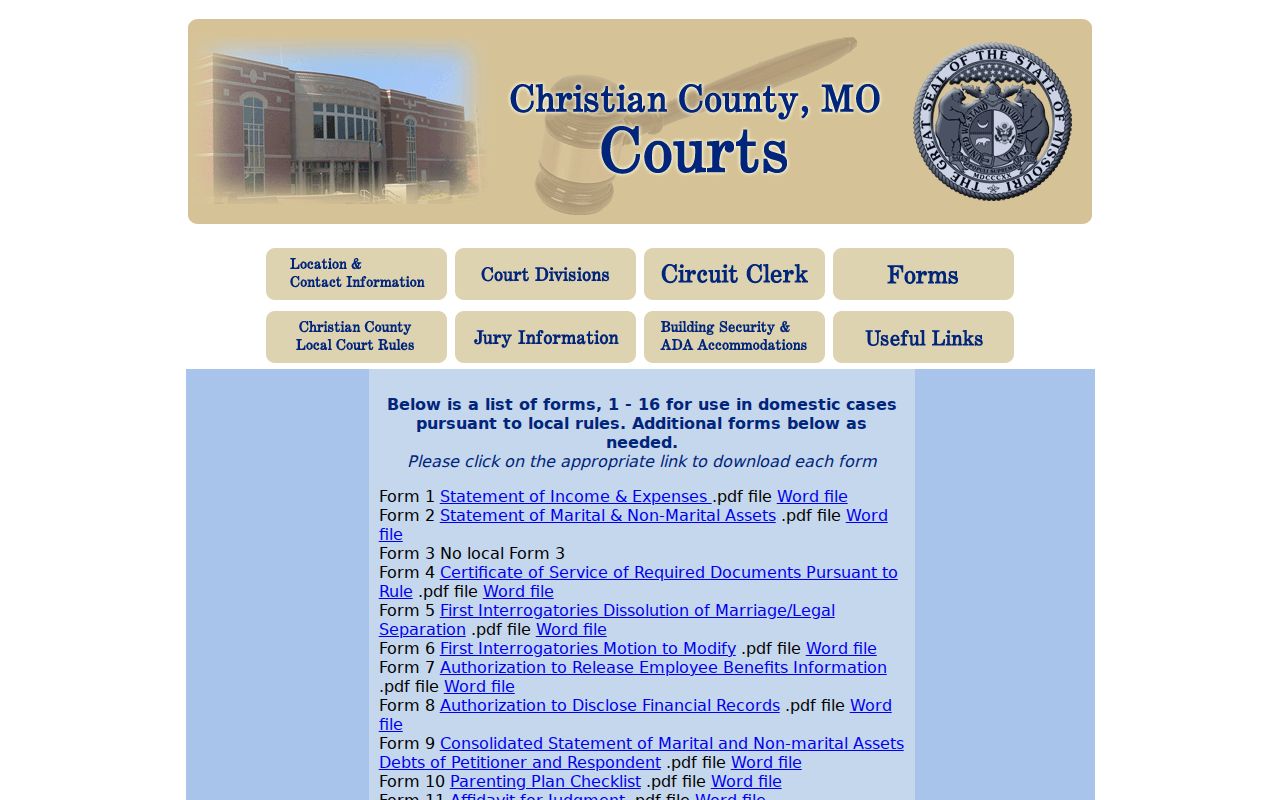
Those local forms sit behind the entries that later show up on a Christian County civil docket.
Christian County Civil Clerk Route
The Christian County Circuit Clerk is the filing and record counter for civil cases. Call 417-582-5120 and press 2 for civil and family questions. The civil and probate fax line is 417-581-0391. Division III's office sits at 110 W. Elm, Room 203. Circuit Division I and II offices are at 102 W. Walnut. This routing helps when a Case.net result needs more. It covers a court-date confirmation or a copy of a docketed document.
Filing costs work a particular way. The county's fee page says civil costs are paid in advance. Papers sent without proper fees come back. Plan on at least two money orders when service is involved, one for the Christian County Circuit Clerk and one for the sheriff. Those instructions cover filing, not certified-copy prices.
Check the official Circuit Clerk fee page before you submit any civil filing.
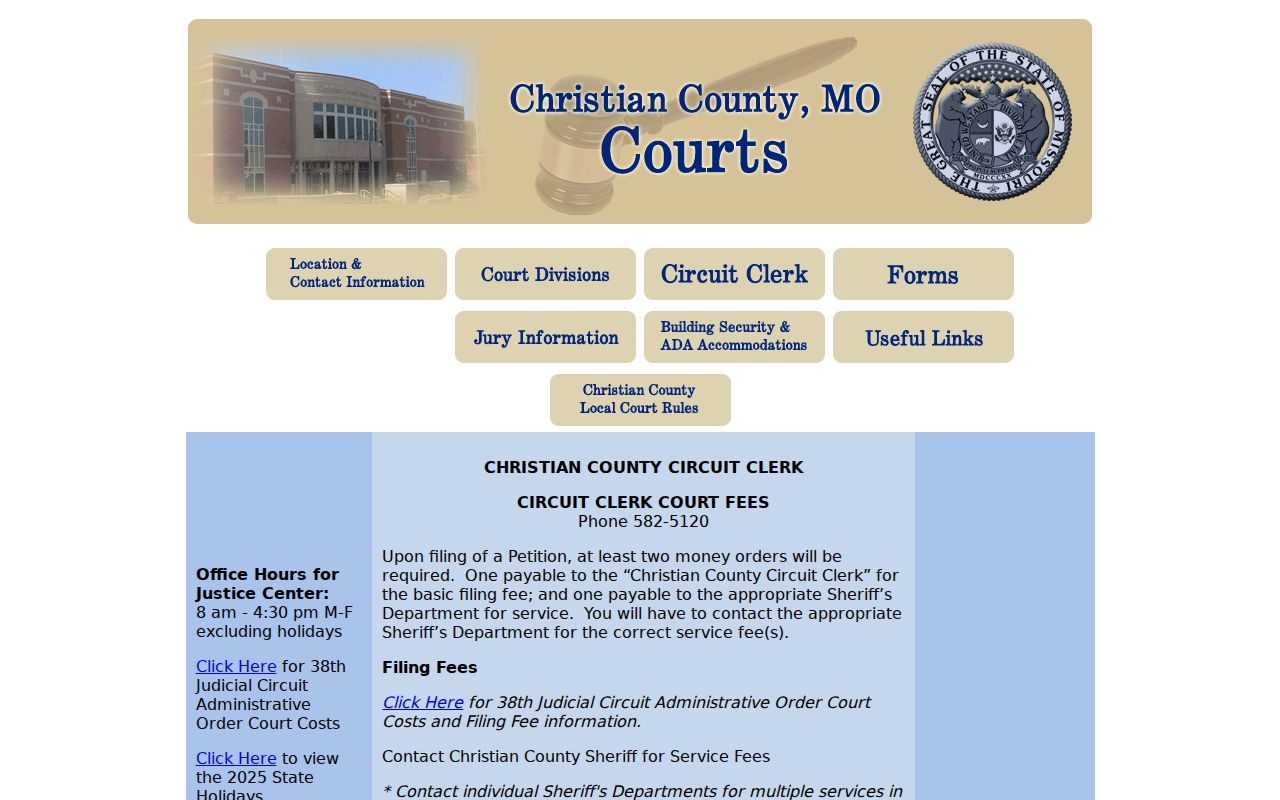
Since that fee page covers filing costs only, confirm certified-copy charges with the Christian County clerk first.
- Christian County civil filing goes through the Christian County Circuit Clerk; Christian County divisions receive the assignment.
- Christian County Division III is the Christian County route for small claims and lower-value civil matters.
- Christian County Division I-II offices handle assigned circuit matters; Christian County Case.net confirms the division.
- Christian County civil callers use 417-582-5120, press 2; Christian County Division III uses its local office line.
- Christian County filing fees differ from Christian County copy fees; Christian County certification costs need clerk confirmation.
Settings and Hearings on Civil Dockets
Every setting on a Christian County civil docket becomes part of the case history, and a single entry can name the hearing type, the date, the time, the division, the courtroom, and the judge. The newest entry is your best clue. A setting may move after a later entry. So confirm any disputed or urgent court date with the assigned division. The statewide Scheduled Hearings & Trials search can also surface a public date. It cannot replace the individual Christian County docket, though. And the county website's information pages accept no continuance request or other case-specific relief.
Christian County Civil Document Access
Case.net and the official file do different jobs. Case.net finds the docket event. It can open a linked public image when the court allows it. The Circuit Clerk keeps the official file. Older files, exhibits, and records with a security limitation may still need the public terminal or an in-person request, even with the docket entry visible online.
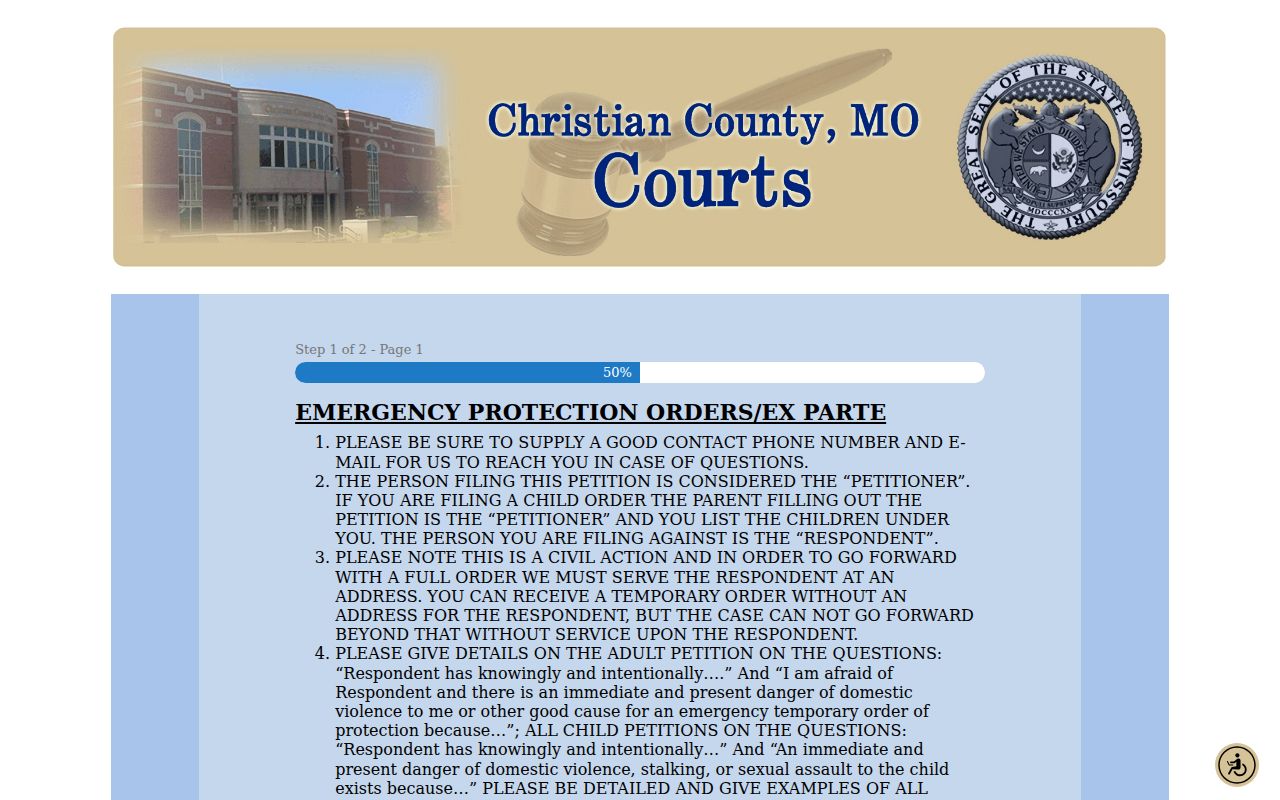
The Christian County online forms page shows interactive filing tools and confidential-information fields. They are not a civil-record request form. Sensitive filing information can stay restricted even while other docket entries remain public.
Docket access and filing secrecy are handled differently in Missouri. Missouri eFiling submits current electronic cases. It is the submission system, not the ordinary Christian County public docket. Attorneys must register to file. Non-attorney and group filers get narrower remote document access. For locating a civil case, the public Case.net result remains the starting point. When a public image is not exposed remotely, use the Christian County terminal. The clerk counter is the other practical alternative. A docket entry may identify a filing. Its image may still be unavailable for remote viewing.
Public Access to Civil Dockets
Christian County offers several routes in. Case.net is the fastest. The courthouse public terminal, the Circuit Clerk counter, division offices, phone routing, and mail cover the rest, plus a precise county Sunshine request where appropriate. Try the terminal at 110 W. Elm. It suits older electronic material or a document not exposed remotely. The clerk can tell you whether a record is public, terminal-only, sealed, or available for copying.
Missouri rules protect confidential identifiers and restricted case portions. A public case can still hold confidential filing sheets, protected addresses, or sealed attachments. The Missouri redaction statute is one source governing protected identifiers in filings. A Case.net printout is informational only. It is not a certified copy.
For an older Christian County civil file, give the clerk the exact case number, the docket-entry date, and the document you want. The statewide rollout expanded access to newer filings. It did not put every historic image on a browser, and the county clerk reports continuing work to scan permanent records. So when a public docket points to a record without showing the image, an in-person terminal review still pays off.
- Christian County public terminals assist with Christian County older images; Christian County docket entries identify the needed record.
- Christian County clerk counters provide Christian County copy routing; Christian County mail requests need a precise record description.
- Christian County Sunshine requests address county-held material; Christian County court copies remain a Circuit Clerk question.
- Christian County sealed portions remain restricted; Christian County public docket access does not override an order.
- Christian County civil fax routing is 417-581-0391; Christian County court-date questions use the assigned division.
Case.net is where a Christian County civil search begins. Terminal access and clerk records support document review, while division offices and county Sunshine routing handle other civil record needs. Each channel has its own job.
Christian County Civil Docket Boundaries
This Christian County civil docket is state court. It is not a federal court docket. Federal civil matters run through a separate court system with its own record interface. Know which court you are in first. That keeps a name result from another jurisdiction from masquerading as a Christian County Circuit Court case.
The two systems do not share records. CourtListener's RECAP archive is a federal docket and document archive where a contributed copy exists. It is no source for the official Christian County civil docket, and no substitute for the Circuit Clerk's certified record.
That federal archive marks the boundary. Check the court system before you request or rely on a Christian County civil record.