
How to Search Criminal Dockets
Missouri Case.net is the public Show-Me Courts interface. Every Christian County criminal docket search starts there. Pick Litigant Name, Case Number, Filing Date, or Scheduled Hearings & Trials. Choose the Christian County or 38th Circuit location when that control appears. Each result opens on its Case Header. From there, open the Docket Entries tab. It lists filings, settings, and the latest public action in order. Have the exact defendant name or case number ready. Criminal cases in Christian County carry the CR prefix. Traffic and infraction results use TR or IN, while municipal matters can carry MU. Case.net is a statewide layer, so adding the court and category narrows a common-name search. A Track This Case alert can help. It is not the court's official notice.
- Open Case.net and select a public search mode that matches the information in hand.
- Limit the search to Christian County or the 38th Circuit when the location menu is displayed.
- Open the matching case number, then read the Case Header and Docket Entries tabs.
- Compare the most recent setting, charge, and disposition entry with the assigned division.
- Call the Circuit Clerk or use the public terminal when an entry is secure, older, or needs a certified copy.
- Christian County Case.net locates the Christian County case; Christian County Docket Entries identify public actions.
- Christian County name search results need a Christian County division check; Christian County case numbers are stronger.
- Christian County CR results identify criminal matters; Christian County TR results identify traffic matters.
- Christian County hearing results help locate a date; the Christian County docket shows later resets.
- Christian County Track This Case alerts aid tracking; Christian County notices and orders control the setting.
Case.net is the first stop. When a Christian County search stalls, the Circuit Clerk and the courthouse terminal fill the gap. The assigned division and docket then mark the local path for the case.
Christian County Felony Docket Split
Felony matters in Christian County move between divisions by stage. Division IV takes felony matters before an information is filed, plus misdemeanors and infractions. The change comes at filing. Once a felony information is filed, the case moves on. It is assigned to Circuit Division I or II. That handoff explains why a docket can show a later division. Its earliest entries began through Division IV.
| Christian County criminal matter | Usual docket division | Where to confirm |
|---|---|---|
| Pre-information felony | Division IV | Case.net, Division IV, or the criminal clerk line |
| Felony after information | Division I or II | Case.net plus the assigned circuit division |
| Misdemeanor or infraction | Division IV | Case.net or the Division IV counter |
The county's Circuit Division I-II page names the offices. It identifies the circuit criminal and civil offices, and the division assignment shown is part of the public record, not a finding about the charge.
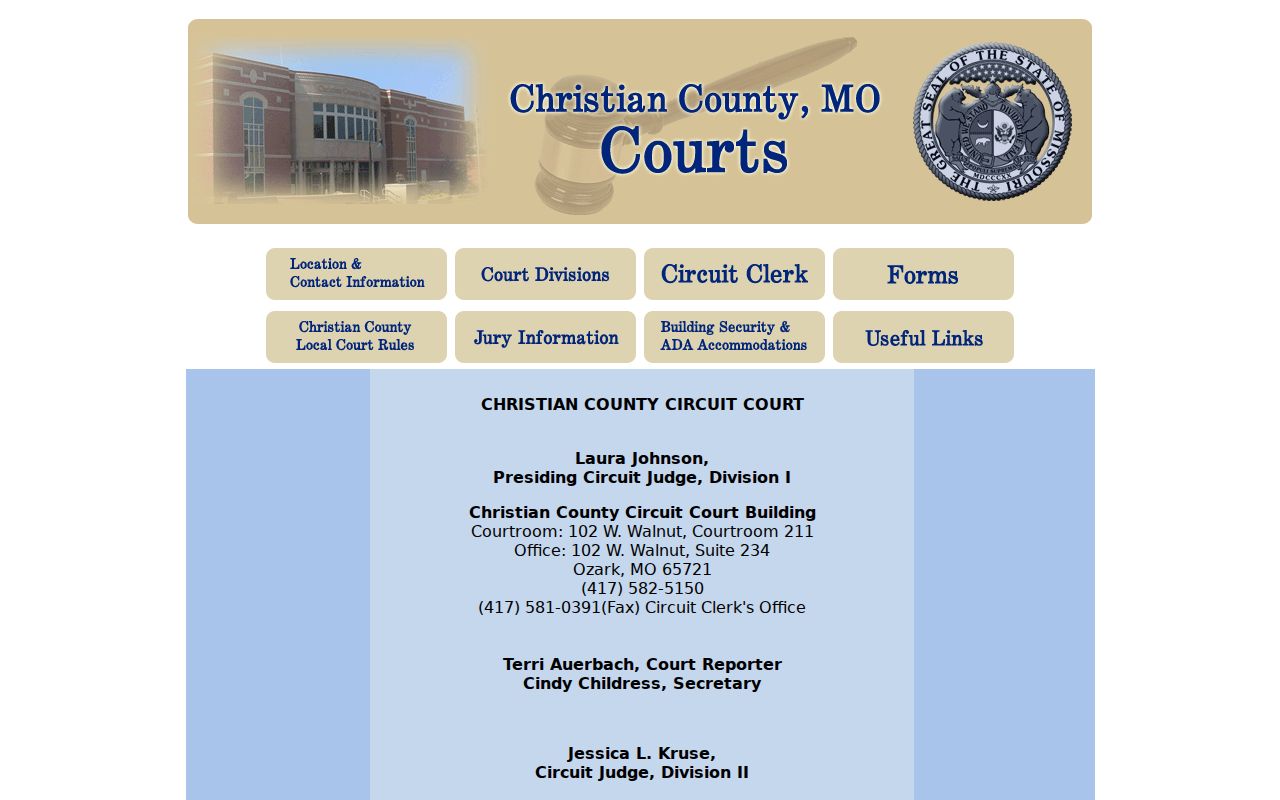
This reference separates a post-information felony docket in Division I or II from the Division IV criminal record that came before it. For a court-date confirmation, check the newest division shown. That entry is the practical starting point in Christian County docket entries.
What a Criminal Docket Shows
A Christian County criminal docket usually pairs a case header with dated entries. The header can list the case number, filing date, division, judge, parties, status, and an ECASE or security marker. Entries come next. Each one records a court event. A linked item opens only for viewers whose security level permits access. An unlinked entry still documents that the event occurred.
| Case number | Identifies the Christian County case and category, such as CR; a uniform citation may precede a later case number. |
|---|---|
| Charge block | May list a complaint, information, indictment, offense description, count, statute, and classification. |
| Bond and release | Can include a bond condition, posting event, capias, warrant, or bond-forfeiture entry when public. |
| Settings | Shows an event label, date, time, courtroom, judge, and later continuance or reset entries. |
| Disposition | Records a public result such as plea, dismissal, acquittal, judgment, sentence, or pending status. |
Court Operating Rule 4 governs this uniform record system.
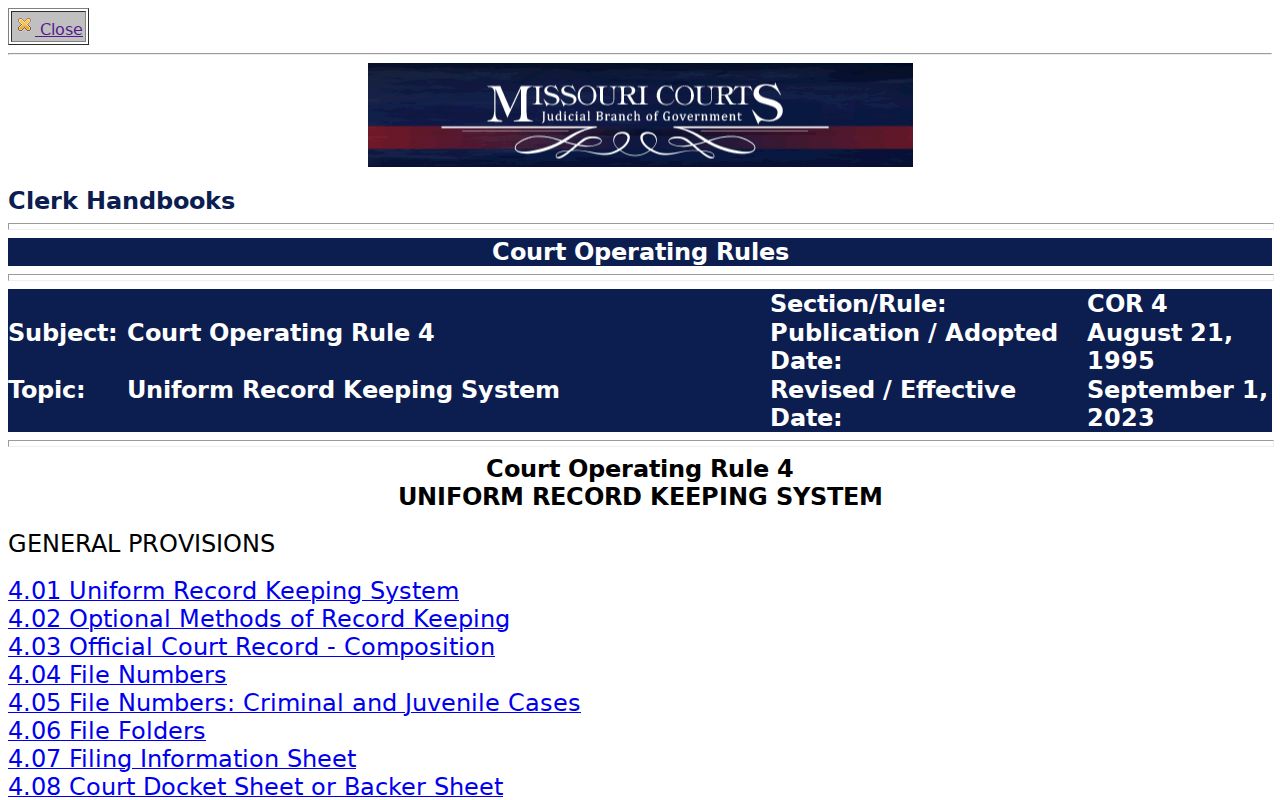
That rule explains the relationship. The docket sheet and the filed documents are related records, but they are not identical ones.
Christian County Criminal Docket Terms
The categories come from Case.net, not Christian County. Every court in the state reads the same category and action language. Context matters when you read a docket entry. A charge entry is an allegation or a filing event. It is not a finding of guilt. A disposition records the outcome, while a sentence or payment entry can be a later and separate action.
- Information
- A formal criminal charging document that follows the preliminary felony stage.
- Arraignment
- A court appearance addressing the charge and plea process.
- Capias
- Court process directing the arrest or return of a defendant.
- Nolle prosequi
- A prosecutor's formal decision not to proceed with a charge.
- ECASE
- An electronic-file marker, not a statement that the case is confidential.
Division IV's official page is the local starting point for criminal, traffic, and associate-division routing. Trust the docket's own words. A generic label never overrides what a Christian County entry actually displays.
Stages on a Criminal Docket
A Christian County criminal docket is a dated history. The route varies. A case may open with a complaint or citation, then add a warrant or summons, a preliminary hearing, a bound-over event, an information or indictment, arraignment, plea activity, motions, settings, trial, judgment, and sentencing. No file shows every event. Each case takes its own path through the court record.
Docket flow: Filing → Arraignment → Pretrial → Plea or Trial → Disposition → Sentencing
Read the entries both directions. Oldest-to-newest explains how a Christian County case reached its present stage. Newest first reveals the last setting. A continuance, reset, or notice of new setting can replace an earlier docket date.
Christian County Treatment Court Dockets
Christian County runs three adult treatment courts within its circuit system: Drug Court, DWI Court, and Veterans Court. Drug Court is the oldest, begun in 1998. DWI Court followed in 2017, and Veterans Court began in 2019. Under local division rules, treatment-court cases transfer to Division I. Even so, the underlying CR case number remains the best anchor for a Christian County docket search. No separate public treatment-court database exists. The county publishes no complete eligibility manual either. Use the underlying case number and read the public docket entries rather than expect a standalone program result. Some material stays confidential. Clinical reports and compliance records may not appear even when the basic docket is public. The Christian County court directory routes treatment-court questions through the court system and lists local office contacts. A treatment-court reference can explain a setting. Confidential program material is different. It may remain outside public docket access even when the case itself is public.
Which Court Holds Criminal Dockets
Two buildings handle Christian County criminal dockets. The division decides which one you visit. Division IV operates its criminal office at 110 W. Elm, Room 105. Its hearings are in courtroom 107. Felony matters in Division I and II sit at 102 W. Walnut, in courtrooms 211 and 207. The Circuit Clerk keeps the docket sheet and the official case file for every division. Check the assigned division before you pick a route. A matching address helps. The case assignment is what controls.
Criminal, traffic, and municipal callers can reach the court at 417-582-5160, press 1. The Division I and II offices run separate direct lines for their own cases. One thing the website cannot do is grant relief. A continuance, a dismissal, or any other request has to go through the court's filing process. That route ends with a judge's order.
Christian County Circuit Clerk
Justice Center
110 W. Elm, Room 202
Ozark, MO 65721
Criminal, traffic, and municipal: 417-582-5160, press 1
Older Christian County Criminal Files
Not every public document in a Christian County criminal docket shows up remotely. Missouri's statewide rollout opened Case.net to eligible documents filed on or after July 1, 2023. Anything older may live only on the courthouse terminal. The Circuit Clerk's public-access route also covers secure items, paper-era files, and ECASE materials that require viewing in person.
At 110 W. Elm, bring the case number and the docket-entry date. Go to the public terminal or the case-record counter. Staff can tell you how a document is available. The options run from viewable at home to terminal-only, sealed, or open for copying. For a county-held record with no online version, mail a precise Sunshine request to the county custodian. The criminal office accepts faxes at 417-581-1443. A missing image does not erase the underlying Christian County docket entry. The official file behind it remains. Missouri File Viewer help notes that links vary by document category and the user's security level.
- Christian County public terminals provide Christian County document access when Christian County images are not remote.
- Christian County clerk staff can identify a Christian County record's status, but Christian County court orders govern relief.
- Christian County requests work best with a Christian County case number and Christian County docket-entry date.
- Christian County Division IV handles the early felony route; Christian County Divisions I-II handle later felony assignments.
- Christian County criminal callers use 417-582-5160, press 1; Christian County Division IV is at 110 W. Elm.
Incomplete records are common with older files. Christian County terminal access fills many gaps, and clerk routing covers the rest. Division IV and the circuit divisions each hold different case stages, and the Christian County docket ties the whole history together.
Public Access and Sealed Criminal Dockets
The public side of a Christian County criminal docket can be thin. Headers and docket entries may reveal the case, court, setting, and disposition. Not everything is open, though. Juvenile records, mental-health material, confidential identifiers, and protected reports stay off limits or partially restricted. The same is true for sealed files and expunged records. If a name search turns up nothing, that alone does not mean no case exists. Pull the exact case number. Ask the clerk before concluding anything.
Access rules: RSMo § 610.105 addresses closed treatment for certain terminated criminal records. RSMo § 610.140 makes qualifying expunged records confidential after an order. Rule 122 limits juvenile-record access.
The official access rule is visible in this Missouri Court Operating Rule 4 source.
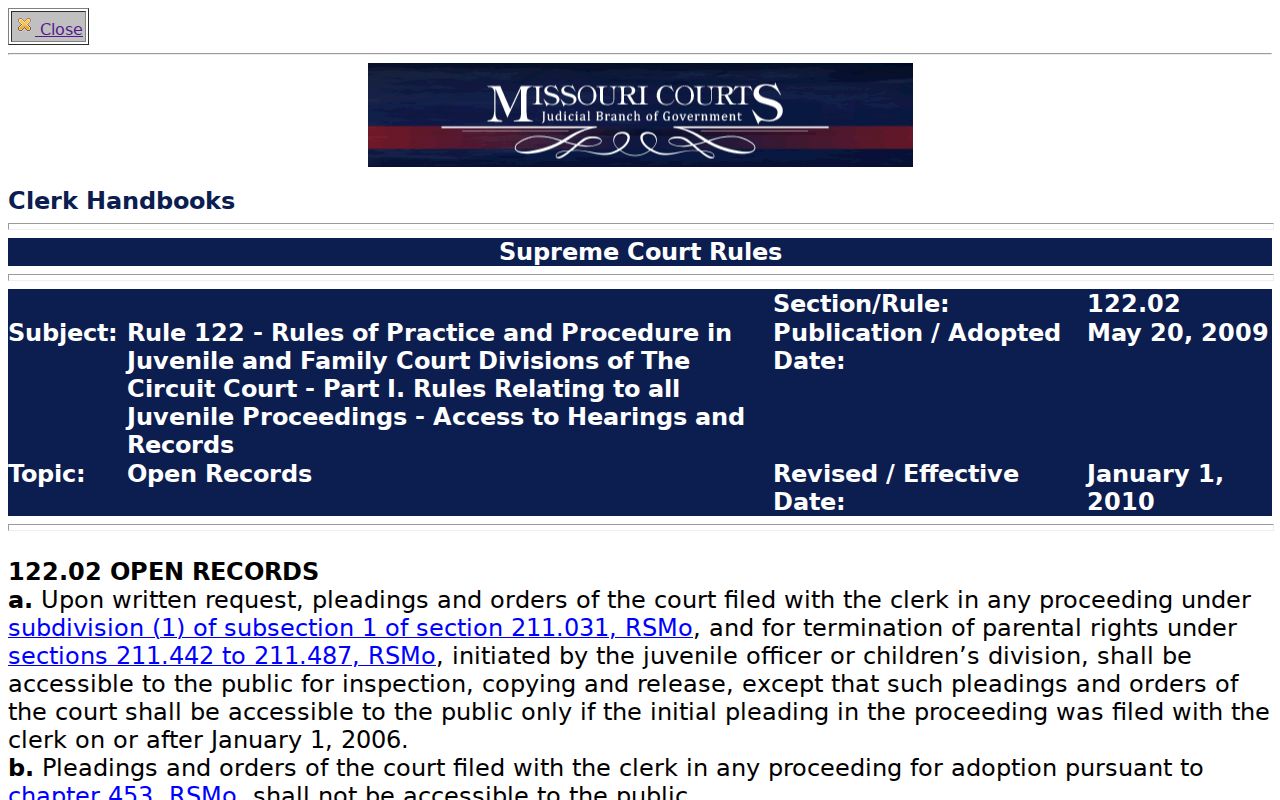
Juvenile rules explain a common gap. A public name search often returns less than the clerk's protected record system shows for a Christian County case.
- Christian County juvenile records follow restricted rules; Christian County criminal docket entries can still be public.
- Christian County expungement questions require a Christian County status check; Christian County public search alone is not conclusive.
- Christian County redactions protect identifiers; Christian County docket events can remain visible without the document image.
- Christian County sealed-file access depends on law or order; Christian County Circuit Clerk staff can identify the route.
- Christian County exact case numbers help with protected names; Christian County name-search gaps do not settle record status.
Access law and court orders can both trim a public result. A clerk status check can clarify a juvenile restriction or a sealed-file rule in Christian County.
Christian County Criminal Charge Entries
Read the charge block alongside the procedural history. Never read it alone. A complaint, felony information, indictment, amendment, or bound-over entry only records what was filed at that moment. Later docket entries may show more. They may show a plea, a dismissal, a nolle prosequi, an acquittal, or a judgment. Treating the first charge label as the final outcome skips the rest of the Christian County docket. That later history is where the answer usually sits. The statutory record-access source for RSMo § 610.105 shows why a final action and the public availability of related records can be two very different questions.
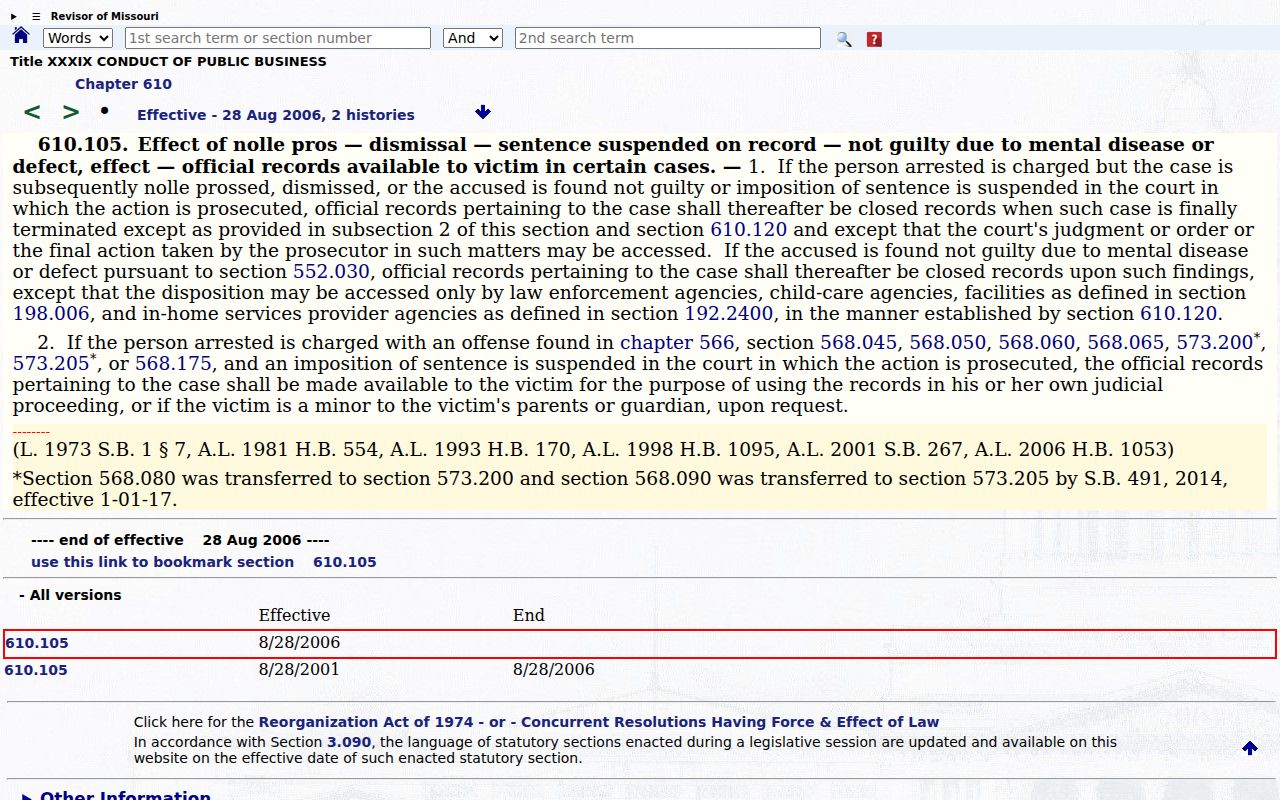
Under the statute, read a Christian County termination entry carefully and assume nothing about the public status of related material.
Federal charges run on an entirely separate track from the Christian County Circuit Court docket. The official Western District of Missouri court keeps its own system, its own clerk, and its own records.
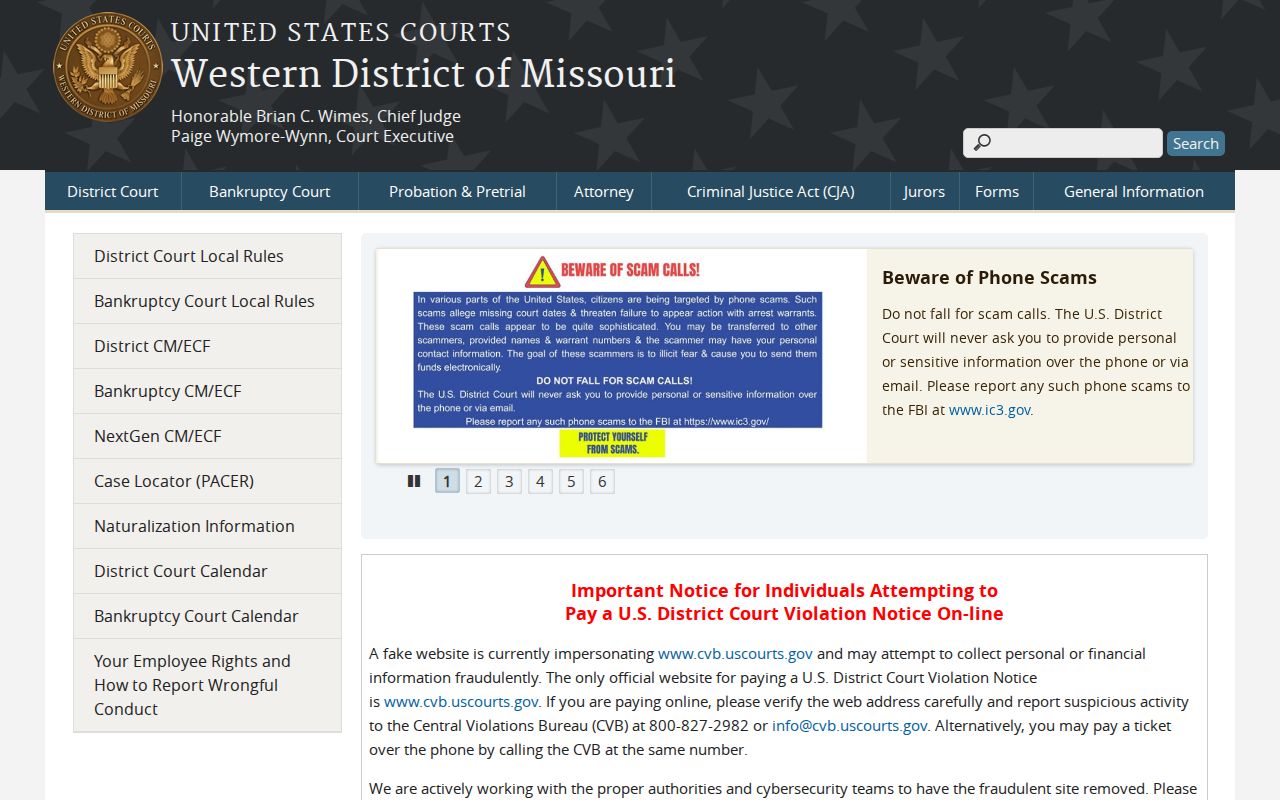
That federal reference matters. Searching a state-court docket for a federal case gets you nowhere. PACER is the federal docket interface, and it never substitutes for Christian County criminal docket entries.
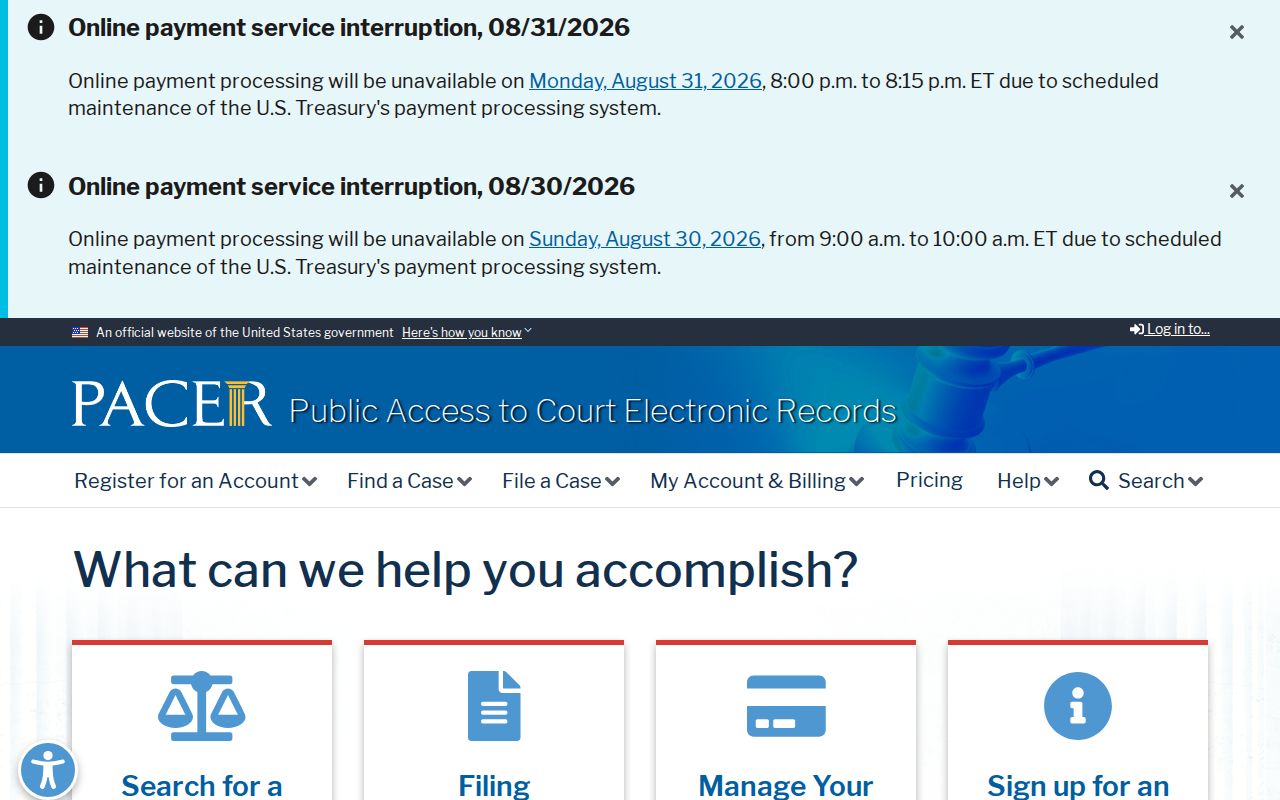
Identify the court before trusting any criminal docket result. The two systems do not share clerks or access rules. A federal case and a Christian County criminal docket are separate records from start to finish.